The Desire Lines plugin is now integrated into the official QGIS plugin repository. This approval makes installation straightforward via the software’s plugin manager, removing the need for external file downloads.
Version Updates
The inclusion in the official repository comes with technical improvements to the plugin:
- Bug fixes: Resolved issues reported in the initial version.
- Stability: Under-the-hood adjustments improved performance when rendering flow geometries.
Feature: Desire Lines
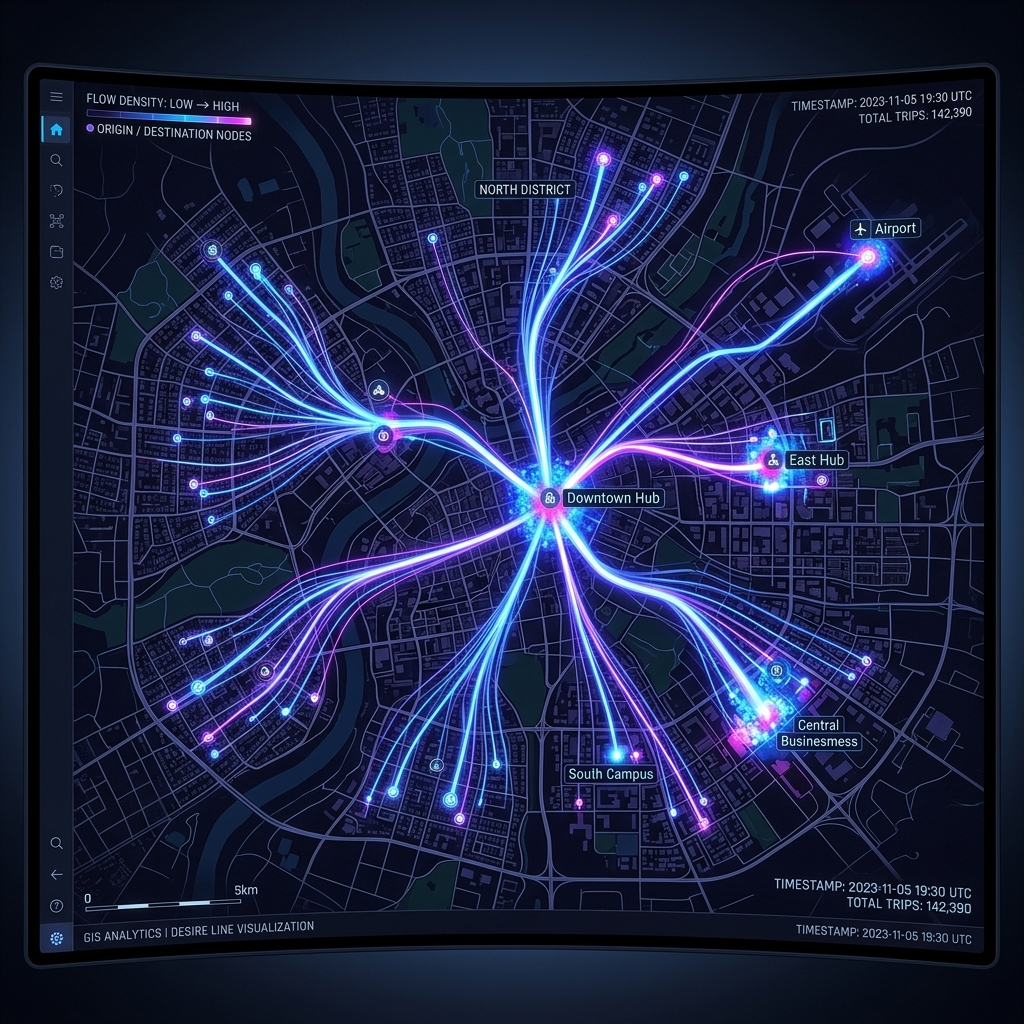
Desire Lines is tailored for urban mobility professionals, logistics analysts, and spatial analysts working with origin-destination matrices. The tool converts tabular data into visual geometries connecting origin and destination points.
It is important to note that the plugin generates straight desire lines rather than routing based on street networks. It illustrates the volume and direction of flow, indicating movement intent in the territory. This abstraction is useful for transportation demand analysis, migration patterns, and distribution.
Supporting Material
To deepen the practical and theoretical understanding of flow analysis, I published two detailed articles on Medium (in Portuguese):
- Você sabe o que é uma matriz O-D? — Fundamental concepts about Origin-Destination Matrices and their role in planning.
- Mapa de fluxo no QGIS com DesireLines — Step-by-step tutorial on how to generate flow maps using the tool.
How to Install
In QGIS, go to Plugins > Manage and Install Plugins, search for Desire Lines and click Install.
For additional information or to report issues, visit the official plugin page in the QGIS repository.