The new update of the Desire Lines plugin (version 0.2.0) introduces advanced flow allocation tools and significant usability enhancements. The main highlight of this release is the capability to perform All-or-Nothing (AoN) flow allocations on a structured network built from Delaunay triangulations, offering a new layer of spatial analysis for transport engineers and urban planners.
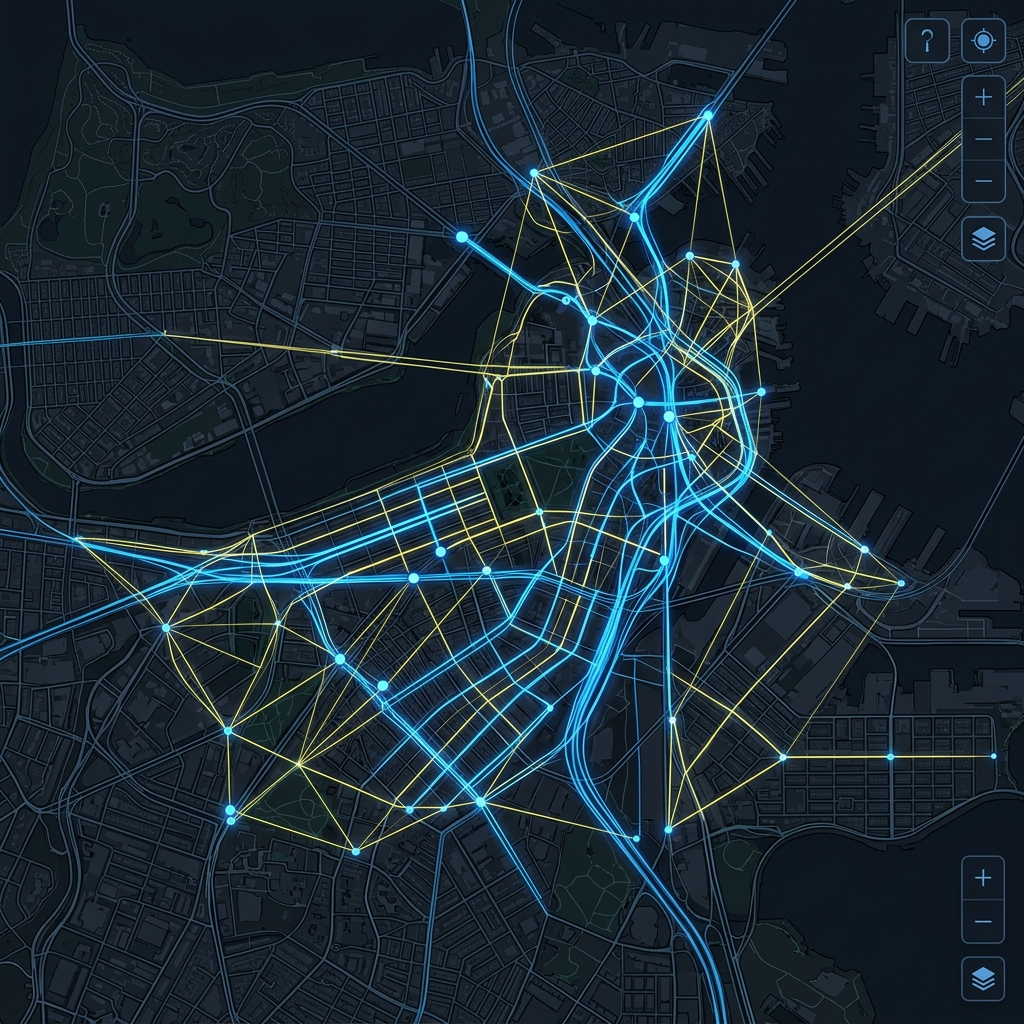
AoN (Delaunay) Allocation: Shortest-Path Routing
The most significant addition to this release is the AoN (Delaunay) tab. While previous versions of the plugin connected origins and destinations using simple straight lines, the plugin is now able to:
- Automatically generate a connection network based on Delaunay Triangulation using the centroids of the provided zones.
- Allocate Origin-Destination (O-D) matrix demand over this network, routing flows through the paths of lowest cost (shortest geometric distance).
This approach is ideal for preliminary network analysis when a digitalized road network is not yet available, allowing planners to understand how demand distributes structurally across a territory.
The plugin also offers a Split by direction option, which generates separate attributes for each flow direction (
flow_abandflow_ba), facilitating the analysis of asymmetrical movement patterns.
Practical Example: RMSP Passenger O-D Matrix
To demonstrate the capability of Delaunay network assignment, the plugin repository provides a sample dataset of the Passenger Origin-Destination Matrix of the Metropolitan Region of São Paulo (RMSP).
By loading the São Paulo traffic zones and their corresponding travel matrix, the plugin builds the Delaunay mesh and distributes travel demand automatically. This process reveals the major movement corridors of the metropolis, highlighting the heavy radial demand towards the city center and perimetric integration flows, all modeled without the computational burden of a full road network graph.
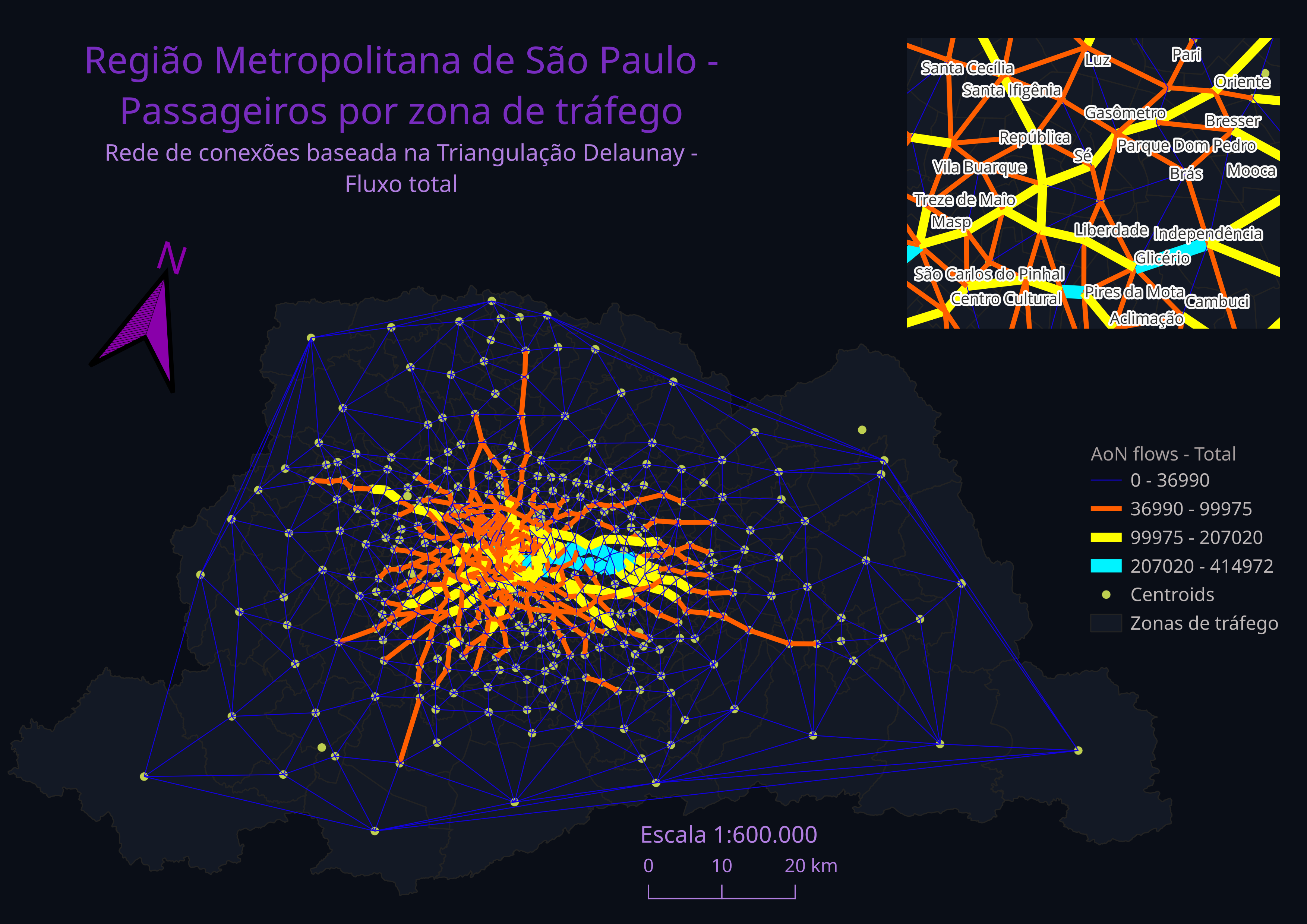
The full dataset and instructions to reproduce this flow map are available in the RMSP example directory in the official repository.
Automated Coordinate Reference System (CRS) Selection
To calculate shortest paths and metric distances accurately, the plugin must operate in projected (metric) coordinates rather than geographic ones (degrees). Version 0.2.0 automates this complex process:
- Automatic local UTM zone detection based on the input geometries.
- Fallback for large areas: if the study area is too wide and crosses multiple UTM zones, the plugin automatically selects the SIRGAS 2000 / Brazil Albers (EPSG:10857) projection, ensuring metric consistency for regional analyses.
Input Flexibility and Real-Time Validation
Usability has been refined to fit seamlessly into the QGIS workflow. Now, any active layer in the project panel can be selected directly from the dropdown menus in the plugin UI, removing the restriction of importing layers with specific names.
Furthermore, the plugin now performs real-time attribute table validation, checking for required fields before the modeling process begins. The output GeoPackage is also fully configurable with sensible default save paths.
Graduated Styling (Natural Breaks)
Visualizing the results no longer requires manual setup: the plugin applies graduated styling based on the Natural Breaks (Jenks) algorithm on its own. Once processing is complete, the generated layers are styled automatically according to flow volume, instantly highlighting major desire corridors and traffic channels. The styling remains 100% editable within the standard QGIS symbology panel.
How to Install
Version 0.2.0 of the plugin is available for manual installation:
- Download the compressed
desirelines-0.2.0.zipfile directly from the GitHub releases page. - In QGIS, navigate to the menu Plugins > Manage and Install Plugins.
- Select Install from ZIP and select the downloaded file.
To inspect the source code or track development, visit the official Desire Lines repository on GitHub.